CompactCalendar · Calendar in a clean widget
Your calendar, right in a widget.
See this month, what's coming up and your reminders at a glance on the Home Screen and Lock Screen.


- iPhone
- iPad
Great for
Checking today each morning
See this month and today's events together on your Home Screen.
Before you unlock
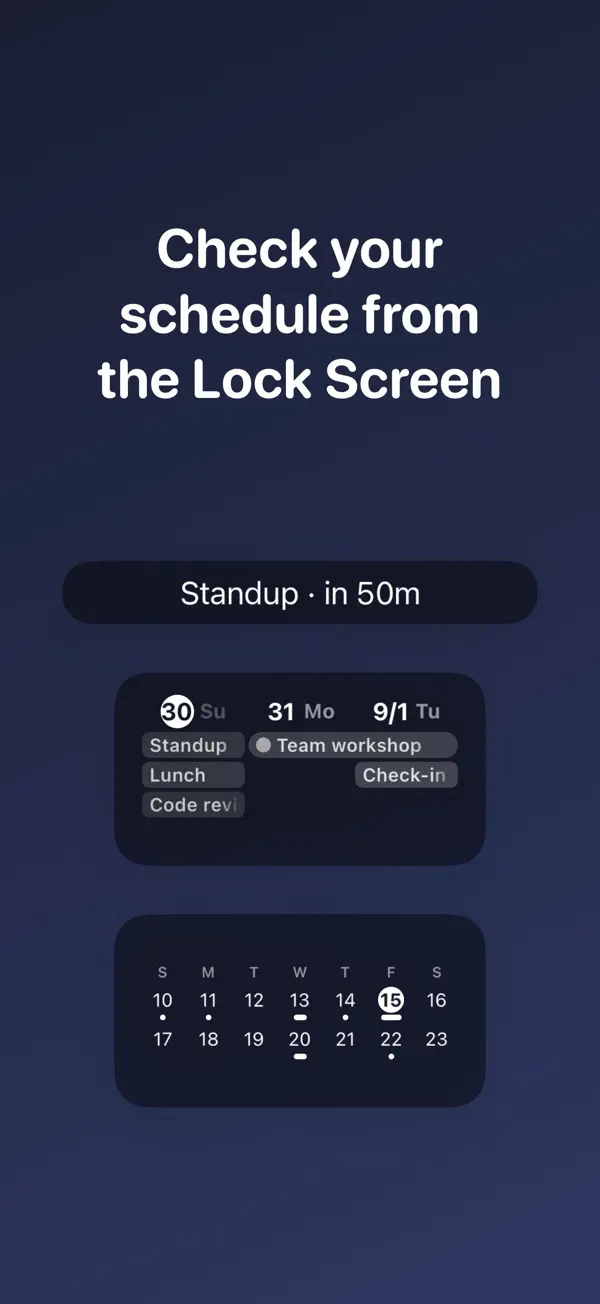
Your next event sits on one line of the Lock Screen.
To-dos in the same place
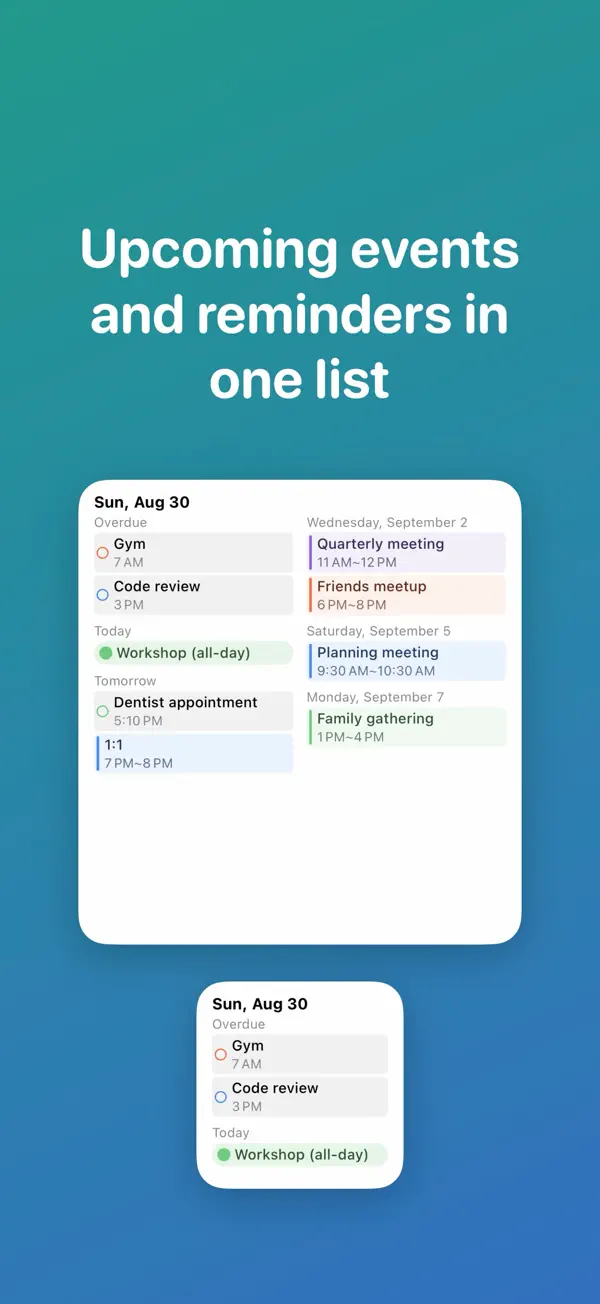
Keep reminders and events in one widget.
How it works
- 1
Allow calendar access
Allow access to iOS Calendar and Reminders. Events are read right on the device.
- 2
Pick widgets
Choose from two Home Screen widgets and three Lock Screen widgets.
- 3
Choose calendars
Pick which calendars each widget shows, in the colors you set.
Home Screen
Today and this month in one widget
Today's events sit next to a month calendar, and tapping a date jumps straight into the Calendar app.
Lock Screen
Your next event before you unlock
Put Up Next, Next 3 Days or a 2-week calendar on your Lock Screen.
Week ahead
The next six days at a glance
The Daily Schedule widget shows upcoming events and reminders together.
- Calendar events are read from iOS to draw the widget and are never uploaded or stored on a server.
- Anonymous usage statistics and crash reports are collected to improve the app, never including your events.
- Deleting the app removes all of its data.
Screenshots