MiniFolder · Widget App Launcher & Folders
Stop swiping through pages.
Group the apps you use most into folders, put them in a widget, and open any of them with one tap.


- iPhone
- iPad
Great for
Your everyday apps, instantly
Put the apps you open many times a day, like messengers, maps and payments, in one widget slot.
A folder for work
Group mail, calendar and team apps into a work folder.
Games and entertainment
Keep games and video apps in one folder for a tidier Home Screen.
How it works
- 1
Pick your apps
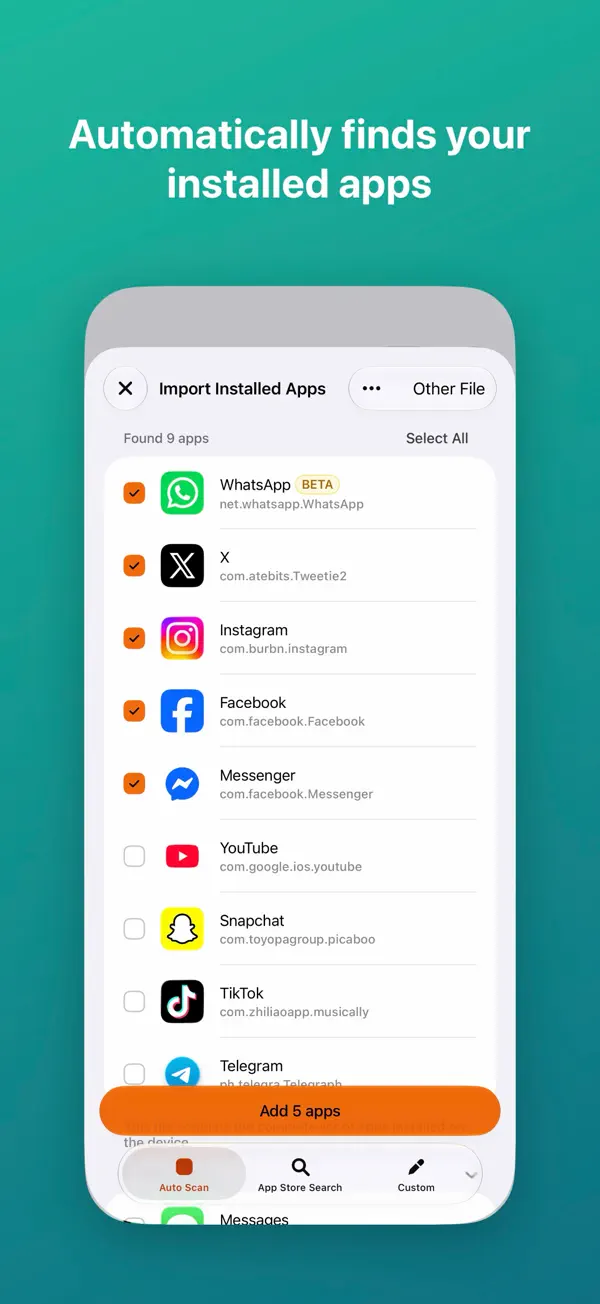
It finds your installed apps automatically, or search the App Store to add more.
- 2
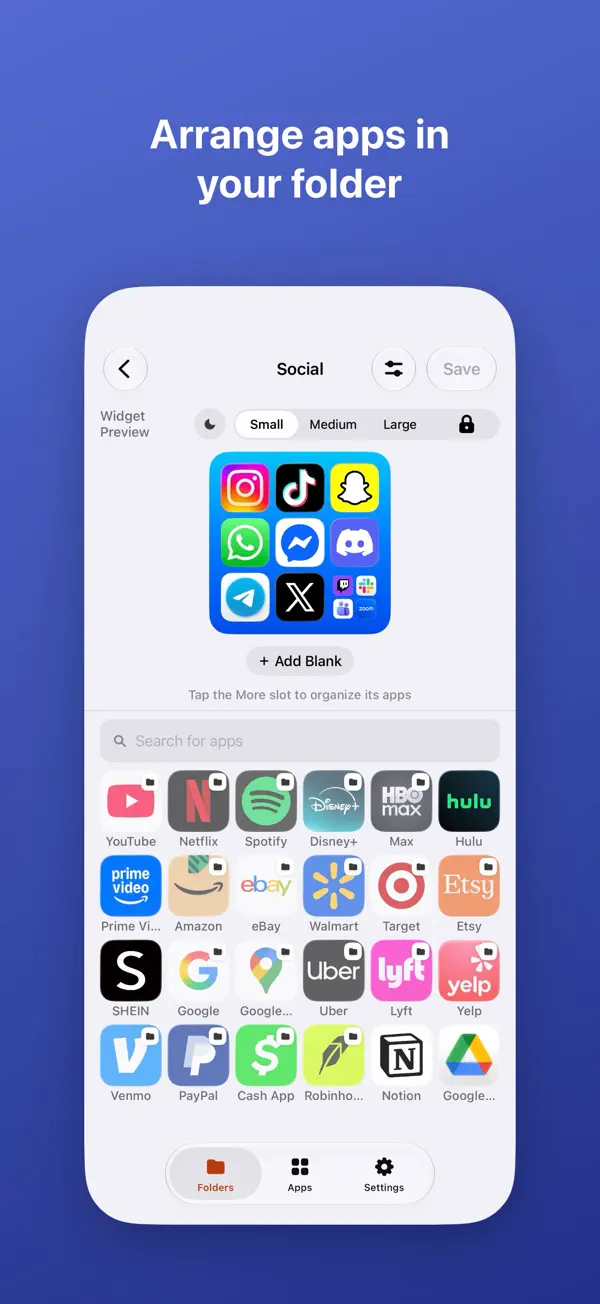
Group them into folders
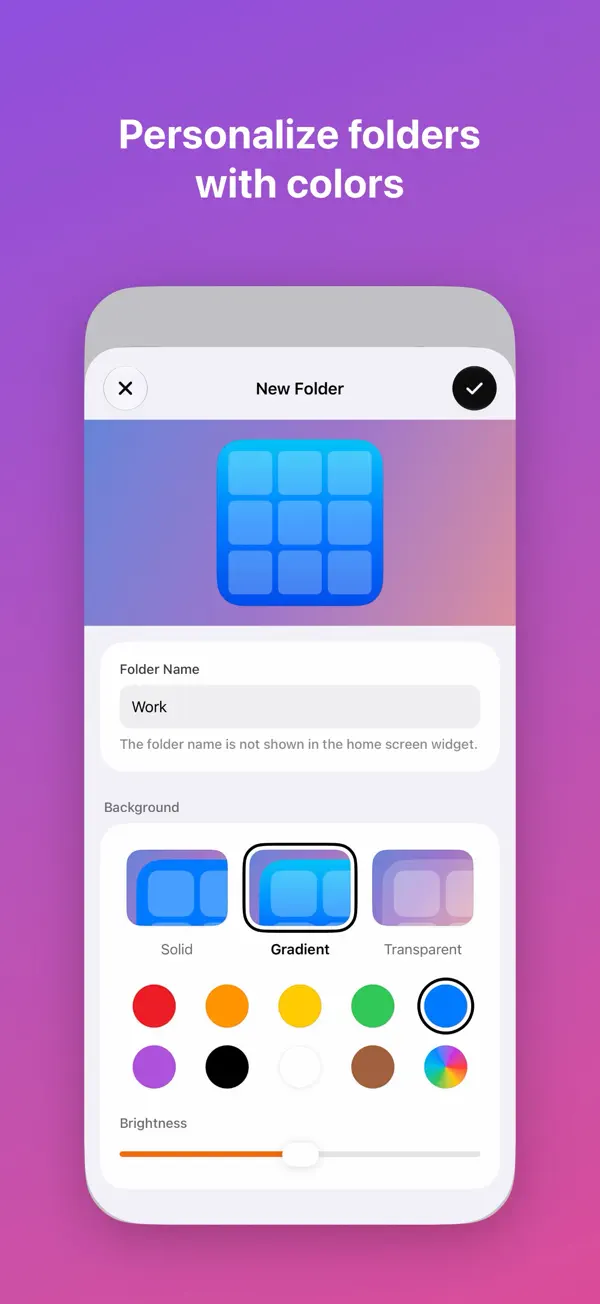
Make folders your way and customize their icons and colors.
- 3
Add the widget
Add a MiniFolder widget to your Home Screen and choose a folder.
Widgets
One tap to open
Put a folder in a widget of any size and tap an icon to launch the app.
Folders
Organized your way
Split apps into folders by whatever works for you: work, entertainment, games.
Style
Icons that suit Dark Mode
Choose the widget size, icon layout, folder colors and dark icons to match your Home Screen.
- Your folders and shortcuts are stored only on your device and never sent to a server.
- Usage statistics for ads and app improvements may be collected.
- You can turn off tracking in iOS Settings.
Screenshots